Transform your chat context into images — automatically tagged from the scene, rendered by your favorite provider, placed right under the messages. Plus: give each character their own voice, hear replies spoken aloud, with narration and dialogue split into separate voices. No accounts, no telemetry, no servers of ours.
Independent community extension. Not affiliated with, endorsed by, or officially connected to JanitorAI. Designed for supported desktop browsers only.
Toolkit keeps the context, cast, prompt, and generated images together — so every step stays visible and editable.
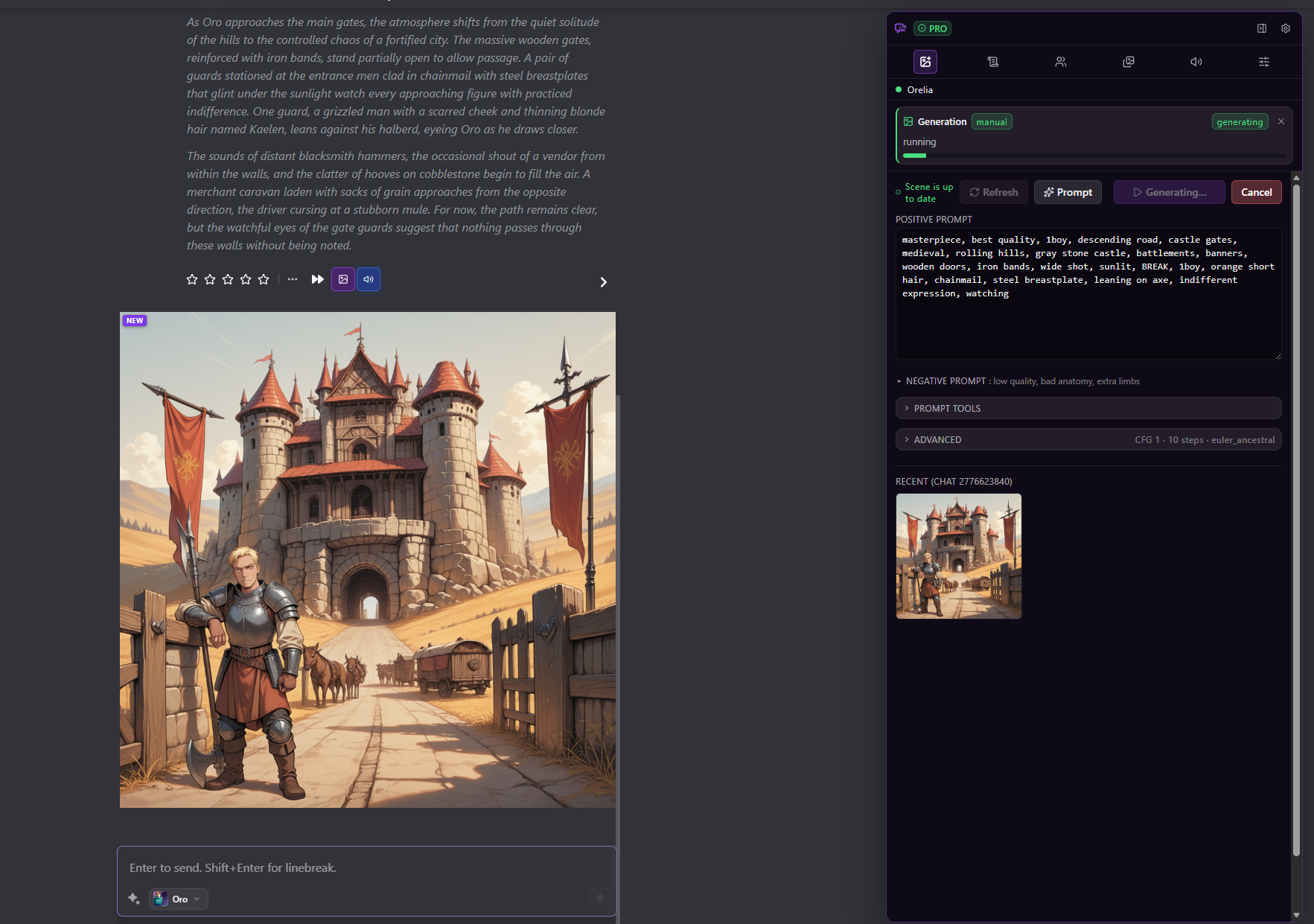
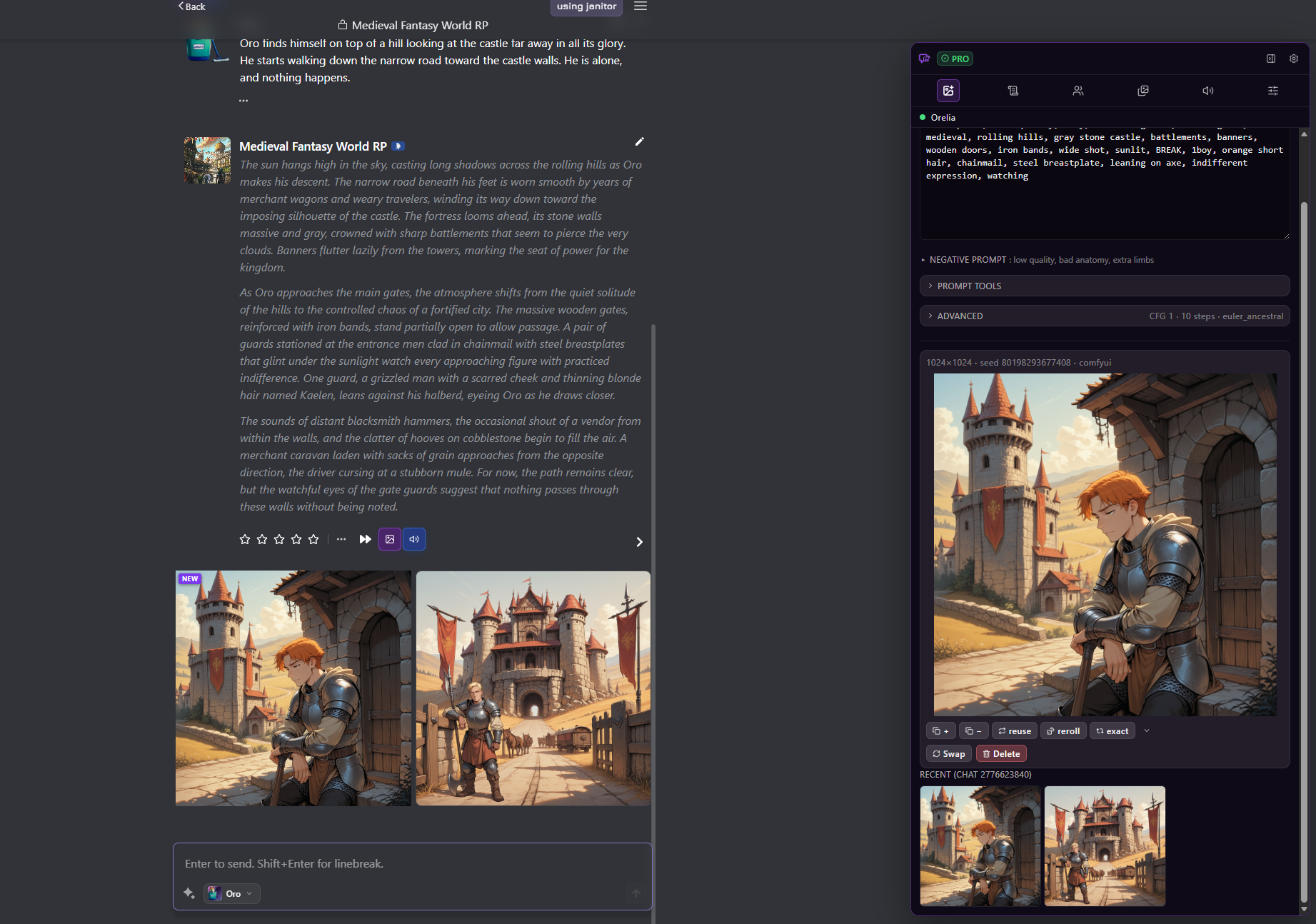
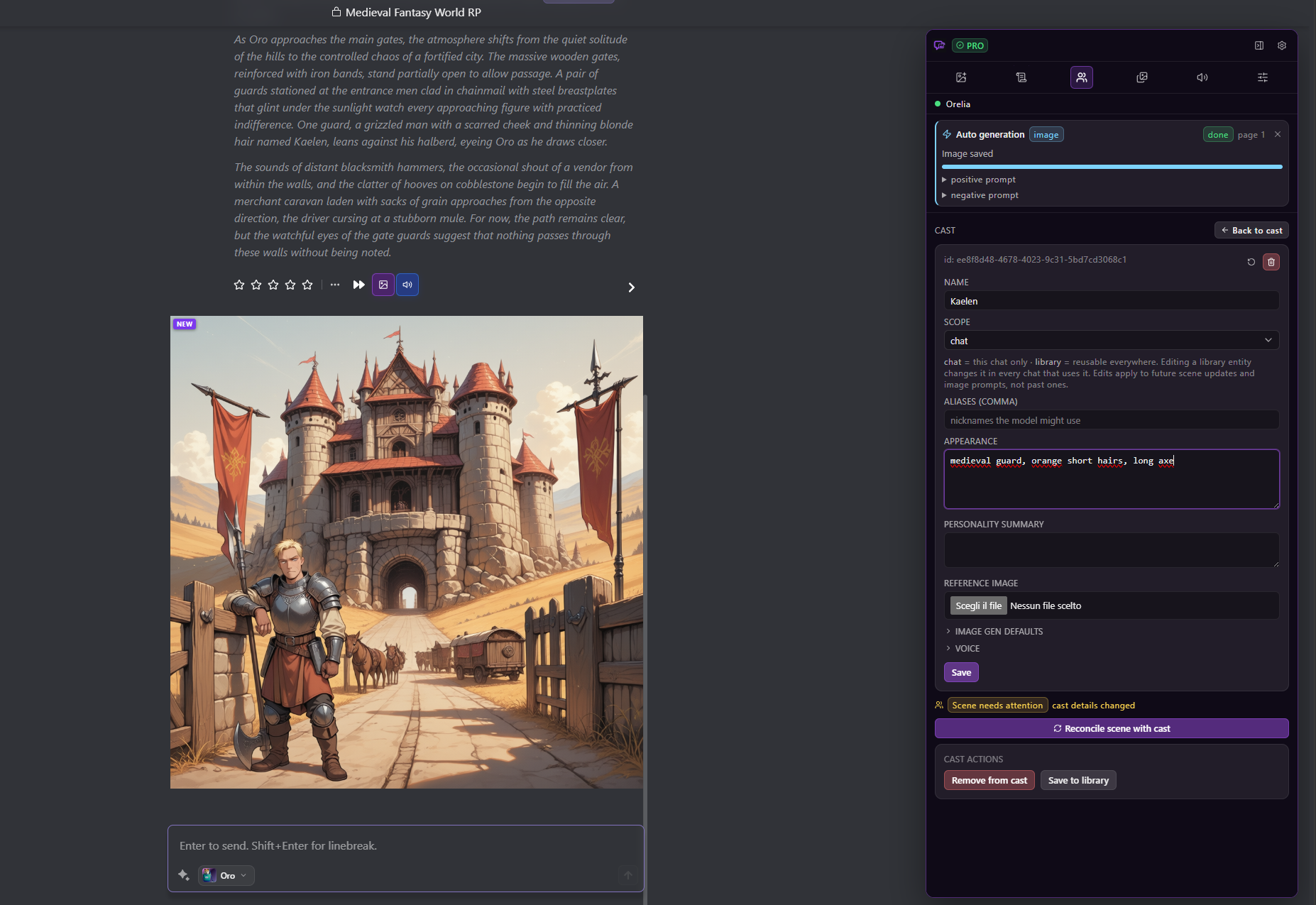
Connect your own image, LLM, and TTS providers — the extension builds prompts from the running chat, generates images, speaks messages aloud, and shows everything right under each message.
An LLM you connect turns the chat scene into Stable-Diffusion-style tags, so prompts match what’s happening in the story.
Generated images appear under the relevant message, with a gallery and full-size viewer built in.
Keep a per-chat cast with appearance, triggers, reference images — and assign each character their own TTS voice.
Connect ComfyUI, A1111/Forge, NovelAI, AI Horde, Replicate, or fal.ai for images — any OpenAI-compatible or Ollama for tagging.
Speak any message aloud with Kokoro, ElevenLabs, OpenAI TTS, or Edge TTS. Narration and dialogue are split into separate voices automatically.
Everything stays in your browser. Chats, images, and audio never reach us. No accounts, no telemetry, no backend.
Auto-generate images and auto-speak bot replies — hands-free rendering and listening while you read.
The free tier is fully usable. Pro is a one-time purchase for power users.
| Feature | Free | Pro |
|---|---|---|
| Manual image generationi | ✓ | ✓ |
| Manual TTS playbacki | ✓ | ✓ |
| Per-chat casti | ✓ | ✓ |
| Scene trackingi | ✓ | ✓ |
| Gallery & full-size vieweri | ✓ | ✓ |
| Providers / summarizers / taggers / TTSi | 1 of each | Unlimited |
| Global character libraryi | — | ✓ |
| Automatic image triggersi | — | ✓ |
| Auto-speak messagesi | — | ✓ |
| Multi-voice parsing & per-character voicesi | — | ✓ |
| Scene snapshots & rollbacki | — | ✓ |
| Advanced prompt templatesi | — | ✓ |
One-time purchase. Unlock every Pro feature above. No subscription, no account — your license activates locally.
Buy Pro Try the free tier firstThe final amount, including any taxes charged, is shown by Stripe before you confirm payment.
Secure checkout via Stripe. After payment your license key is emailed to you — paste it into the extension’s settings to activate.
At Checkout you must accept the Terms and request immediate digital delivery. See our Refund Policy and Privacy Policy before purchasing.
Install the extension for your browser. Firefox updates automatically; on Chrome the extension shows an in-app notice when a new version is available.
Safari, iOS, Android, and other mobile browsers are not supported.
Verify downloads with the published SHA-256 checksums.
You supply and pay for the providers directly. The extension never proxies them. Free and Pro include no provider credits, hosted models, or usage allowance; each provider has its own fees, limits, account requirements, and terms.
ComfyUI · AUTOMATIC1111 / Forge · NovelAI · AI Horde · Replicate · fal.ai
Any OpenAI-compatible API · Ollama (local)
Kokoro (local) · ElevenLabs · OpenAI TTS · Edge TTS · AllTalk (local)
Install the extension, connect your providers, and start generating images and voices from your chats.
 Toolkit for Janitor AI